
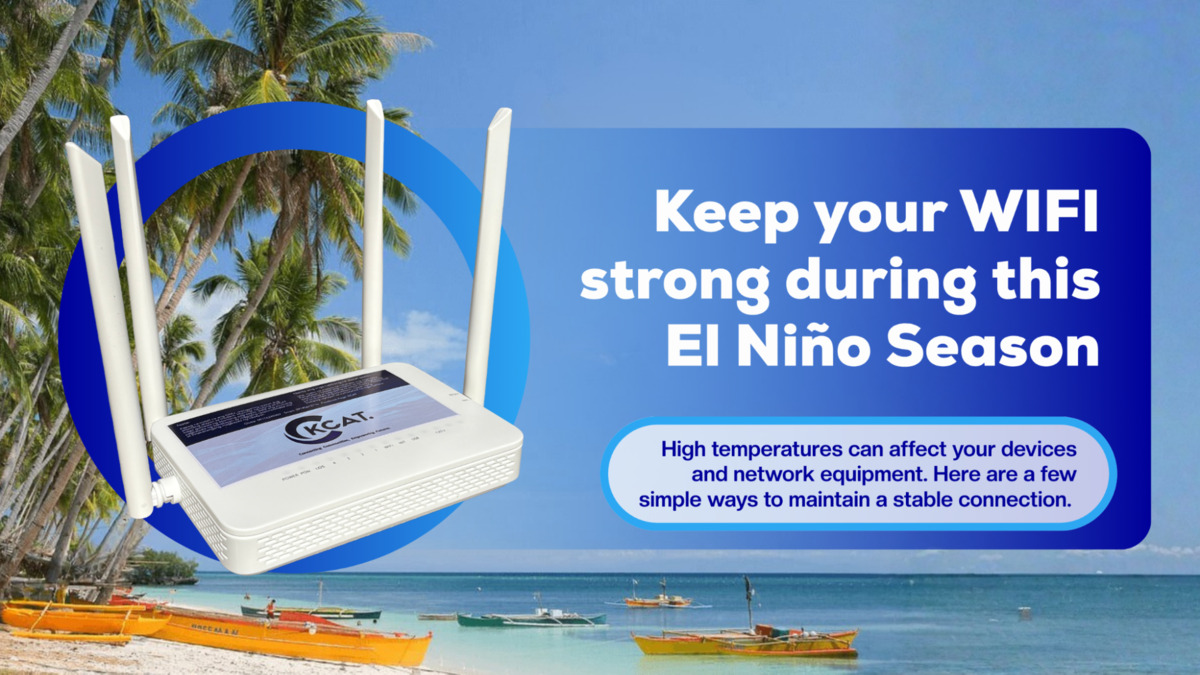
Modern gadgets, such as internet routers, feature intricate built-in systems designed to handle the internal heat generated by all electronic components. When environmental temperatures increase, these devices seamlessly modify their operation to avoid overheating and ensure continuous functionality, frequently without any user awareness.
Prolonged exposure to extreme heat can strain the devices and equipment that keep us connected, much like it affects people. From residential Wi-Fi routers to corporate network setups, elevated temperatures can degrade performance and potentially cause service interruptions.
As temperatures rise, taking a few simple precautions can help protect your equipment and maintain a more reliable internet connection.
Keep Your Router in a Cool, Ventilated Area
Your router needs proper airflow to prevent overheating. Avoid placing it inside cabinets, drawers, or enclosed shelves where heat can build up. Keep it in an open, well-ventilated area and away from direct sunlight.
If your router feels unusually hot, give it more space and check that its ventilation openings are not blocked.
Keep Devices Away From Direct Sunlight
Various electronic devices, especially those that operate throughout the day, such as internet routers and laptops, can naturally generate heat. To help prevent overheating, place these devices in well-ventilated areas with enough open space for proper airflow, and keep them away from direct sunlight. Whenever possible, keep your devices in shaded areas, especially during the hottest parts of the day.
Avoid Overloading Power Outlets
During periods of extreme heat, consider turning off electronic devices when they are not in use. Excessive temperatures can cause lasting damage to batteries and other internal components, especially when devices continue generating heat while operating. If conditions become particularly hot, switching off and unplugging devices can help reduce heat buildup and protect them from potential damage.
Give Your Equipment Enough Breathing Room
Don’t stack your router, modem, or other networking devices on top of each other. Electronics generate heat while operating, and stacking them can restrict airflow and make it harder for heat to escape.
A little extra space around your equipment can help improve ventilation and prevent unnecessary heat buildup.
Check Your Equipment if Your Connection Slows Down
Regularly check your internet devices during hot weather and watch for signs of overheating, unusual indicator lights, or unexpected shutdowns. Identifying potential issues early can help prevent more serious damage and costly repairs or replacements. If you notice anything unusual, contact your internet provider for proper guidance and precautions to help keep your connection stable during periods of extreme heat.
Keep Your Home or Workspace Cool
For busy workspaces and crowded areas at home, maintaining a cool indoor temperature can help prevent your devices from overheating. If you use devices throughout the day, keep them in cool spaces where the temperature can be managed. Make sure there is enough space around each device and avoid placing them in crowded or enclosed areas where heat can build up and transfer between devices.
For businesses, this is especially important when network equipment is operating continuously throughout the day.
Don’t Let the Heat Disrupt Your Connection
Following these simple tips can help prevent your modem from overheating, keep it working efficiently, and maintain a more stable internet connection. Taking proper care of your modem can also help you avoid unexpected replacement costs if the device becomes damaged.
Your router serves as the access point to your Wi-Fi connection, so it deserves the same care as your mobile phone and other devices that keep you connected. Paying attention to where you place your modem is especially important, as proper placement can help prevent overheating and reduce the risk of unexpected connection disruptions.
Extreme heat is something we can’t control, but we can take steps to protect the equipment we rely on every day. For assistance or more information about our internet services, contact us at 0917-8146-359 or 0917-8018-348, or visit mykcat.com to know more about our service information and connectivity advisories.